Why Government Photo Portals Reject Uploads Before Submission
Researched and checked against official government photo specifications. We update guides when requirements change.
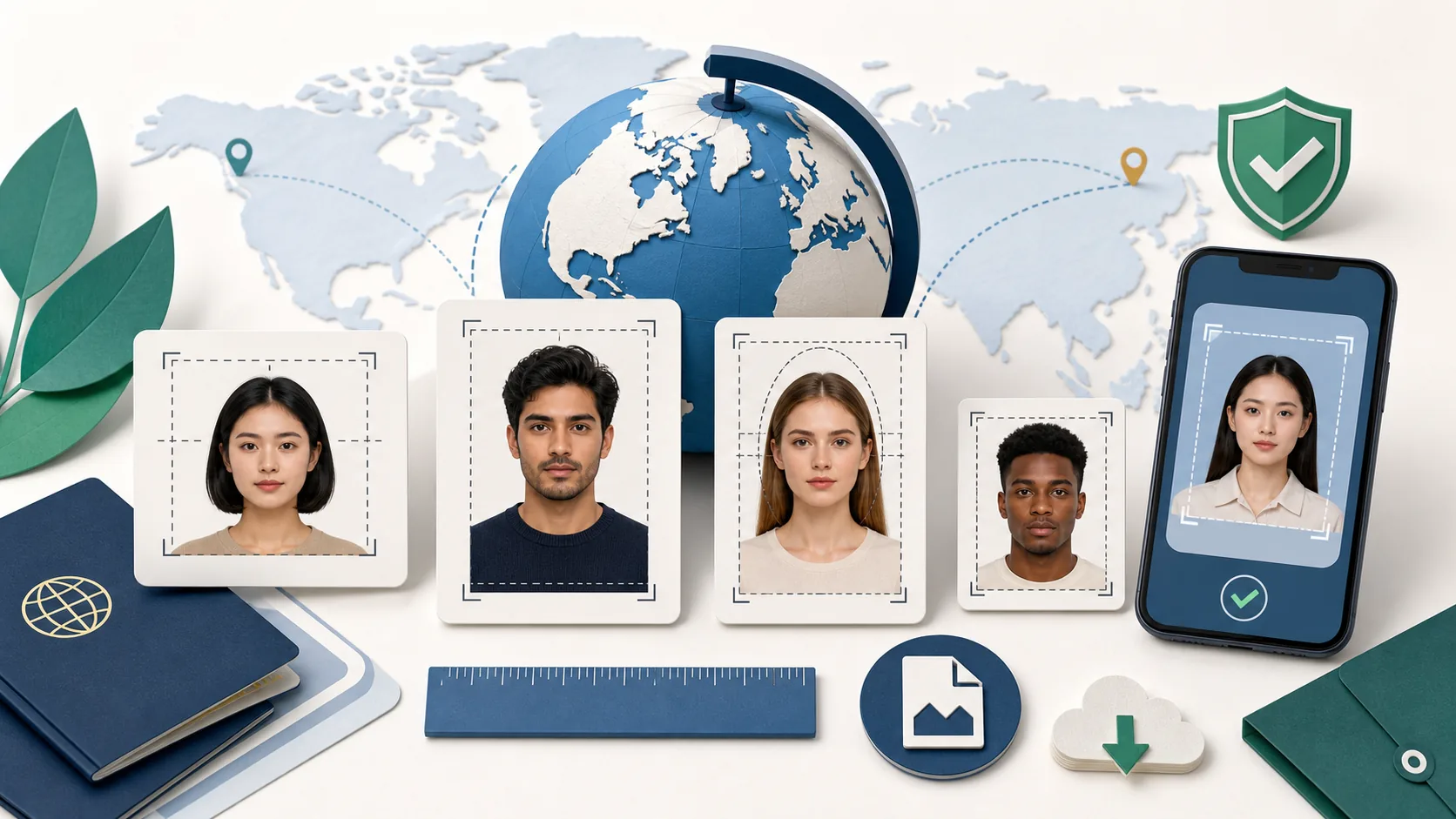
The Portal Reads the File, Not Just the Picture
A portrait can look correct on screen and still fail before submission because government portals inspect the underlying file: pixel width and height, aspect ratio, encoding, byte size, format, and sometimes orientation metadata.
Treat the exact error message as a technical clue. A dimension error, file-size error, and biometric-quality warning require different fixes.
Dimensions and Aspect Ratio
Pixel dimensions describe the actual digital grid. DPI metadata does not turn a 400×400 image into a 600×600 image. Likewise, changing width and height independently can stretch facial features.
- Use a true square for 1:1 profiles such as OCI or Saudi tourist eVisa.
- Use a true 3:4 portrait for New Zealand online visa photos.
- Use the document's exact portrait ratio instead of a generic 35×45 crop.
- Crop first; resize second.
Byte Limits and Compression
Portals measure bytes, not the physical dimensions printed on a screen. A 200×200 image can still exceed 100KB if saved inefficiently, while aggressive compression can create visible artifacts and fail quality review.
Resize to the final pixel dimensions before adjusting JPEG quality. Preserve the original so you can retry without repeatedly recompressing the same degraded file.
Format and Orientation Problems
Some phones save HEIC or HEIF, while many visa portals accept only JPG/JPEG. Other files rely on EXIF orientation, so the raw pixels may appear sideways to a portal that ignores that metadata. Export a correctly oriented file in an explicitly accepted format without using a screenshot as a converter.
When the Correct Fix Is a Retake
Blur, harsh shadow, glare, closed eyes, a turned head, cropped hair, and insufficient margin cannot always be repaired honestly. Retaking is safer than reconstructing facial or background detail, especially when the authority prohibits digital alterations.
Start with the global photo-size reference, then choose the exact profile in the document catalog.
Frequently Asked Questions
Why is my photo rejected even though it looks the right size?
The portal may be checking actual pixel dimensions, aspect ratio, file bytes, encoding, orientation metadata, or biometric quality—not the displayed size on your screen.
Should I compress or crop first?
Crop and resize first, then compress the final image. Compressing the large original before cropping wastes bytes and can introduce artifacts into the face.
Ready to Check Your Photo?
Use our AI-powered tool to ensure your photo meets all embassy requirements. Pay only when the preview passes — then download a document-ready file.