Canada PR Portal Photo Rejected: Dimensions and Upload Fixes
Researched and checked against official government photo specifications. We update guides when requirements change.
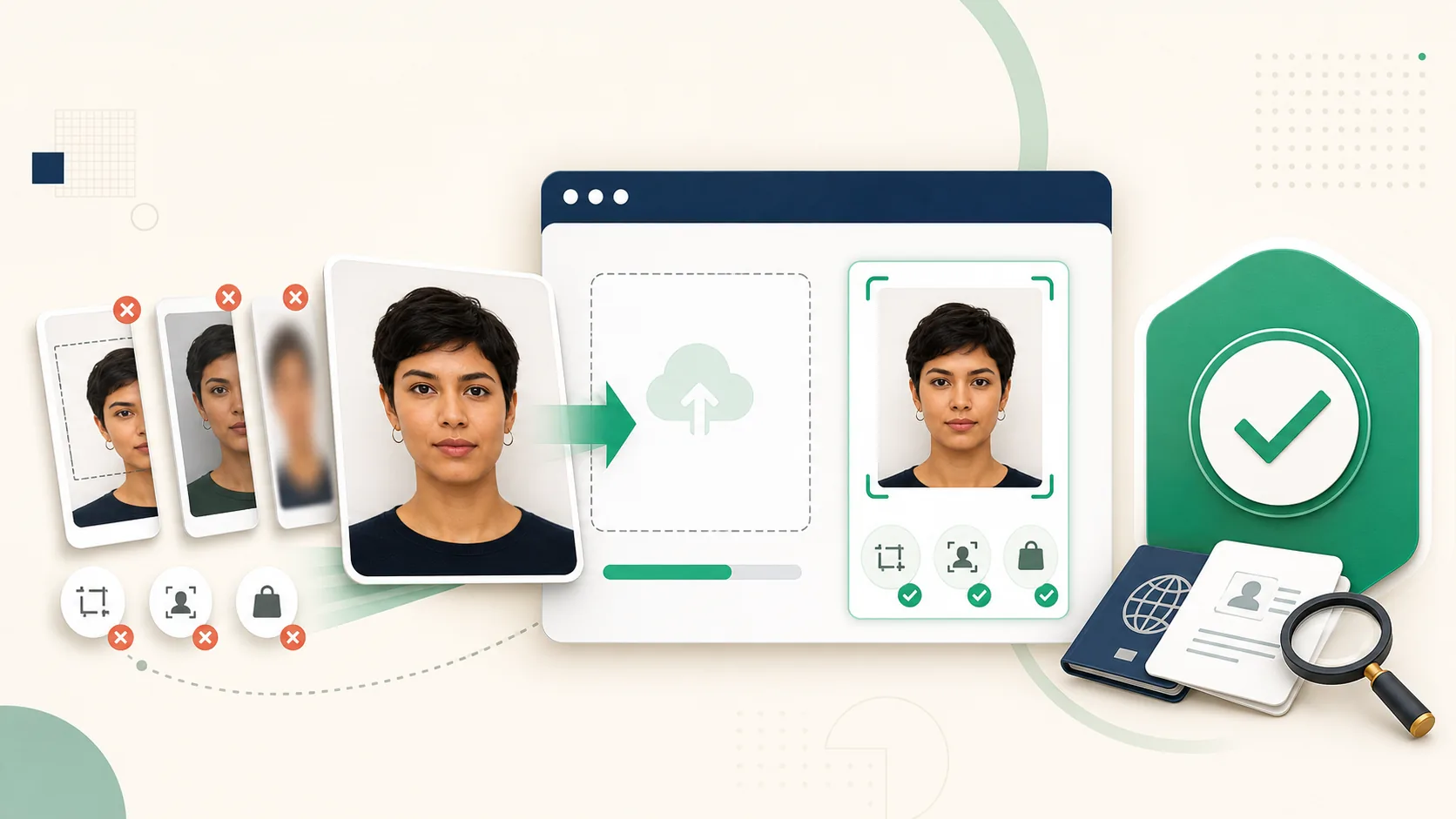
Use the Digital PR Specification, Not a Passport Preset
IRCC's current permanent resident photo guidance gives the online PR Portal its own digital range: 715×1000 to 2000×2800 pixels, JPEG/JPG, and no more than 4MB.
That is not the same as blindly exporting a 50×70mm Canadian passport file. The familiar physical ratio is related, but the portal validates digital bounds and image quality directly.
Follow the Professional-Photo Instruction
IRCC instructs applicants to go to a commercial photographer or studio. The upload may be a professional digital photograph or a professional scan of the printed photograph. It should not be a phone picture of a paper print.
VisaPhotoCheck therefore treats this workflow as validation and troubleshooting, not as a promise to turn a selfie into an official PR photograph.
Common Portal Rejection Reasons
IRCC lists several recurring problems, many of which are visible before submission:
- Image dimensions outside 715×1000 to 2000×2800 pixels.
- File larger than 4MB or not saved as JPEG/JPG.
- Photo too dark or unevenly lit.
- Background is not plain white.
- Facial features obscured by glare, shadow, hair, or blur.
Front and Back Uploads Are Different
Some PR workflows ask for a front image and separate proof of the information normally written or stamped on the back of a professional photo. Follow the field labels in your portal and keep the photographer receipt or studio confirmation available.
Use the dedicated Canada PR Portal photo requirements for the current measurements. Do not substitute the Canada visitor visa profile, which targets a different application workflow.
Frequently Asked Questions
What dimensions should a Canada PR Portal photo have?
IRCC accepts digital photos between 715×1000 and 2000×2800 pixels, in JPEG/JPG format and no larger than 4MB.
Can I use a selfie for the Canada PR Portal?
IRCC instructs applicants to use a commercial photographer or studio. Use the professional digital file or an accepted professional scan rather than relying on a selfie conversion.
Ready to Check Your Photo?
Use our AI-powered tool to ensure your photo meets all embassy requirements. Pay only when the preview passes — then download a document-ready file.