OCI Photo Upload Error: Square Crop, 80% Face and 200KB Fix
Researched and checked against official government photo specifications. We update guides when requirements change.
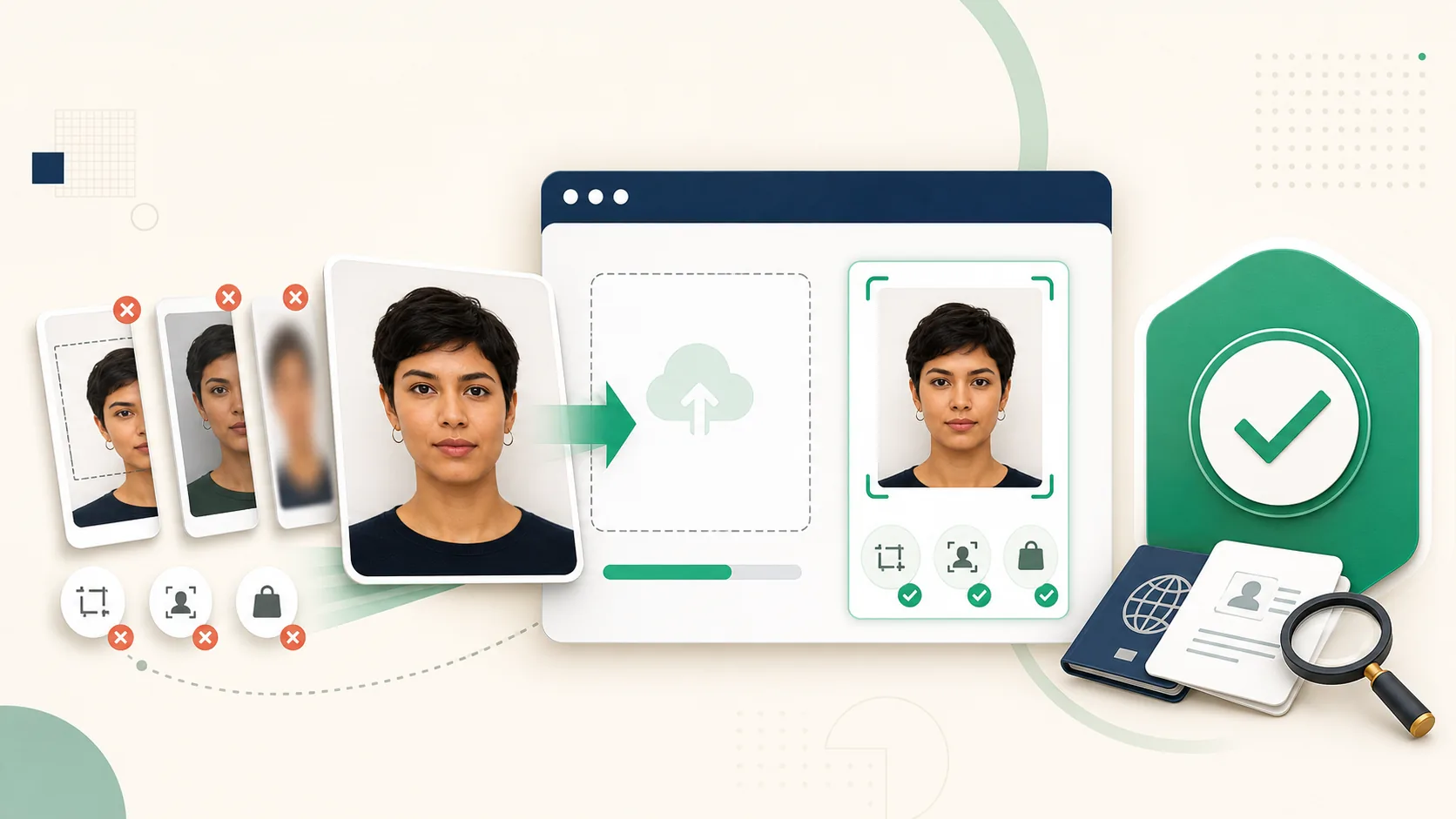
The OCI Portal Checks More Than File Size
An OCI photograph can be under 200KB and still fail. The official OCI FAQ requires a square JPG or JPEG between 200×200 and 900×900 pixels, with the face occupying about 80% of the frame and a plain light-coloured background that is not pure white.
Those constraints interact. Compressing a rectangular phone photo does not make it compliant, and cropping to a square after heavy compression can leave the face soft or pixelated. Establish the crop first, then resize, then compress once.
Fix 1: Make Width and Height Equal
OCI uses a true 1:1 square. Do not stretch a portrait into a square because facial distortion can make the photograph unusable. Crop equally around the face and shoulders while keeping the head centered.
- Accepted range: 200×200 to 900×900 pixels.
- Use 900×900 when the source has enough detail.
- Keep the complete face, head, and top of the shoulders visible.
- Avoid screenshots and messaging-app copies.
Fix 2: Make the Face Large Enough
The OCI specification calls for roughly 80% face coverage, noticeably tighter than many passport-photo formats. A generic 2×2 photo may still leave too much empty background. Do not simply zoom until hair or chin is cut off; preserve the full head while reducing unused space.
Fix 3: Export Under 200KB
After the square crop is final, export as JPEG and reduce quality gradually until the file is at or below 200KB. Repeatedly opening and saving a JPEG compounds artifacts around hair, eyes, and the jawline.
The dedicated OCI photo checker and resizer applies the square format and 200KB ceiling together. For a different Indian application, use the separate India visa photo guide.
Check the Signature Separately
The OCI portal also requests a signature image, but it is not part of the portrait file. Do not combine the signature and photograph into one image. Follow the signature dimensions displayed in the live application and upload each asset in its designated field.
Frequently Asked Questions
Why does my OCI photo keep getting rejected?
Common causes are a non-square image, file size above 200KB, face coverage well below 80%, pure-white or patterned background, and a file that is not JPG/JPEG.
Is 900×900 required for an OCI photo?
No. The accepted square range is 200×200 through 900×900 pixels. Using 900×900 is useful when the source is sharp because it preserves more detail.
Ready to Check Your Photo?
Use our AI-powered tool to ensure your photo meets all embassy requirements. Pay only when the preview passes — then download a document-ready file.