US Online Passport Renewal Photo Rejected: What to Retake
Researched and checked against official government photo specifications. We update guides when requirements change.
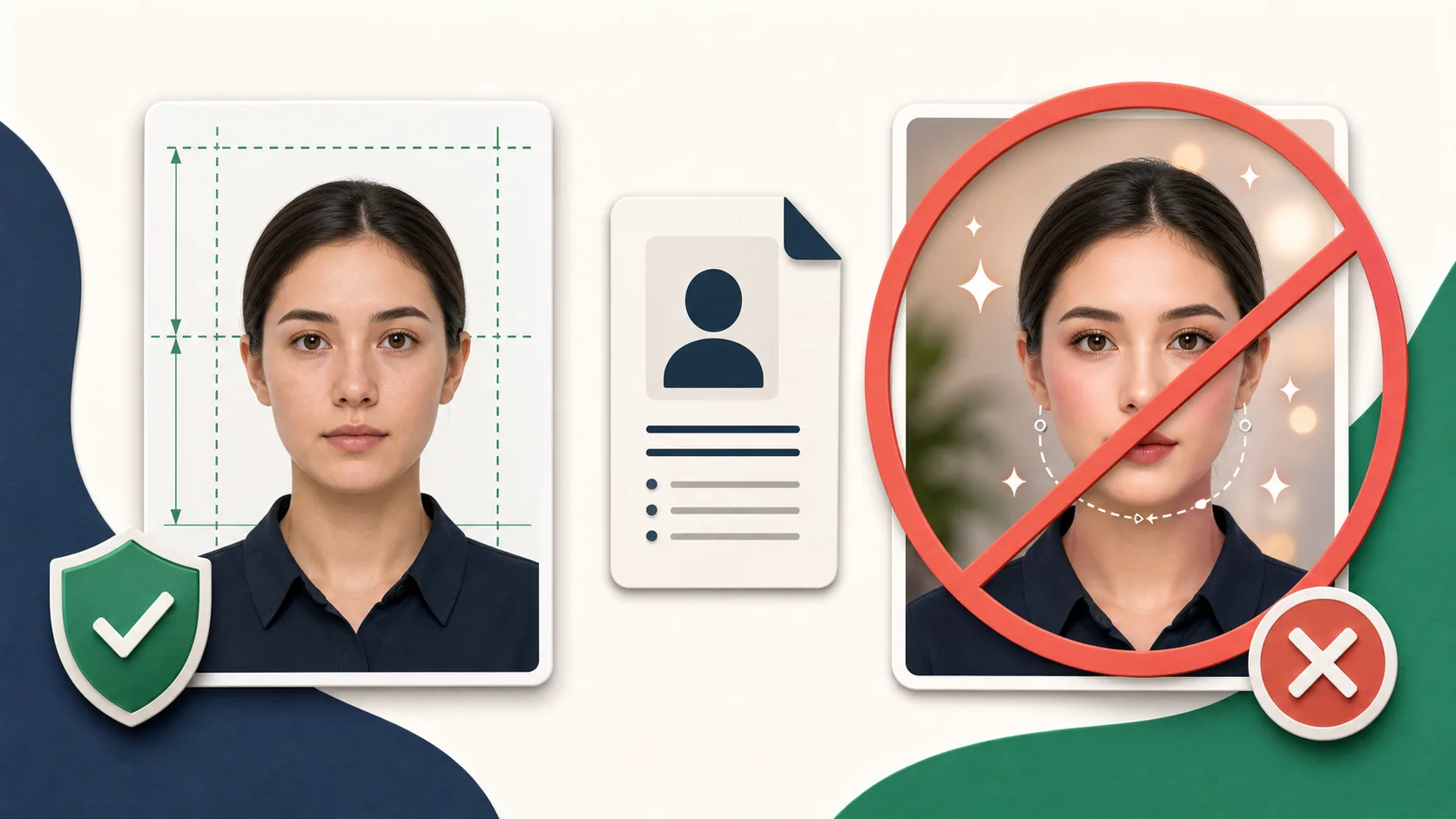
Start With the Original Camera File
The State Department's online renewal photo guidance asks for an original, unedited digital photograph. Do not submit a scan of a printed photo, a screenshot, a beauty-filtered image, or a portrait with a replaced background.
This matters because a file can meet the pixel and byte checks but still be refused during human review if it no longer looks like an original capture.
Check the File Before Retaking
The online service accepts JPG, JPEG, PNG, HEIC, and HEIF files between 54KB and 10MB. If the upload fails immediately, confirm the file has not been reduced below the minimum by email or messaging compression and is not larger than the portal maximum.
- Use the file directly from the phone or camera.
- Do not photograph or scan a printed passport photo.
- Do not convert by taking a screenshot.
- Avoid Portrait mode, filters, skin smoothing, and AI enhancement.
Retake for Framing and Lighting Problems
Stand several feet from a plain white or off-white wall and have the camera several feet away from you. Include the edge of your shoulders near where they connect to your arms. Face the camera directly with both eyes open, remove glasses, and avoid visible teeth.
Use even front lighting. A wall shadow, blown-out white areas, hair covering the face, or a head tilted toward one shoulder can trigger a new-photo request even if the automated upload succeeds.
Let the Official Portal Crop It
The online renewal application includes its own repositioning and crop step. Because the authority requests the original unedited file, use that official tool rather than exporting a background-replaced image from another service.
Our online renewal requirements page is intentionally validation-only. If you need a printed 2×2 photo for a paper application, use the separate US passport photo profile.
Frequently Asked Questions
Can I remove the background from an online passport renewal photo?
The State Department asks for the original unedited photo. Retake against a real plain white or off-white background instead of replacing it digitally.
Why did my photo pass the upload but get rejected later?
The upload tool checks basic technical requirements, but a State Department employee also reviews the image. Pose, shadows, expression, digital alteration, recency, and resemblance can still require a replacement.
Ready to Check Your Photo?
Use our AI-powered tool to ensure your photo meets all embassy requirements. Pay only when the preview passes — then download a document-ready file.