US Passport
Passport Photo Background Not White? Fix It Online
Fix passport photos with grey, yellow, textured, or shadowed backgrounds. Preview a cleaner document-sized result before payment.
Last updated Apr 27, 2026
Verified against the official source · May 11, 2026A White Wall Is Not Always a Clean Background
Phone photos often pick up shadows, color temperature, wall texture, and uneven brightness. The result may look close but still need cleanup before it fits a passport photo profile.
- Check for shadows around the head and shoulders.
- Avoid textured walls and visible corners.
- Keep the final crop sized to the passport profile, not just the background.
Photo Examples

Pass example
Correct photo
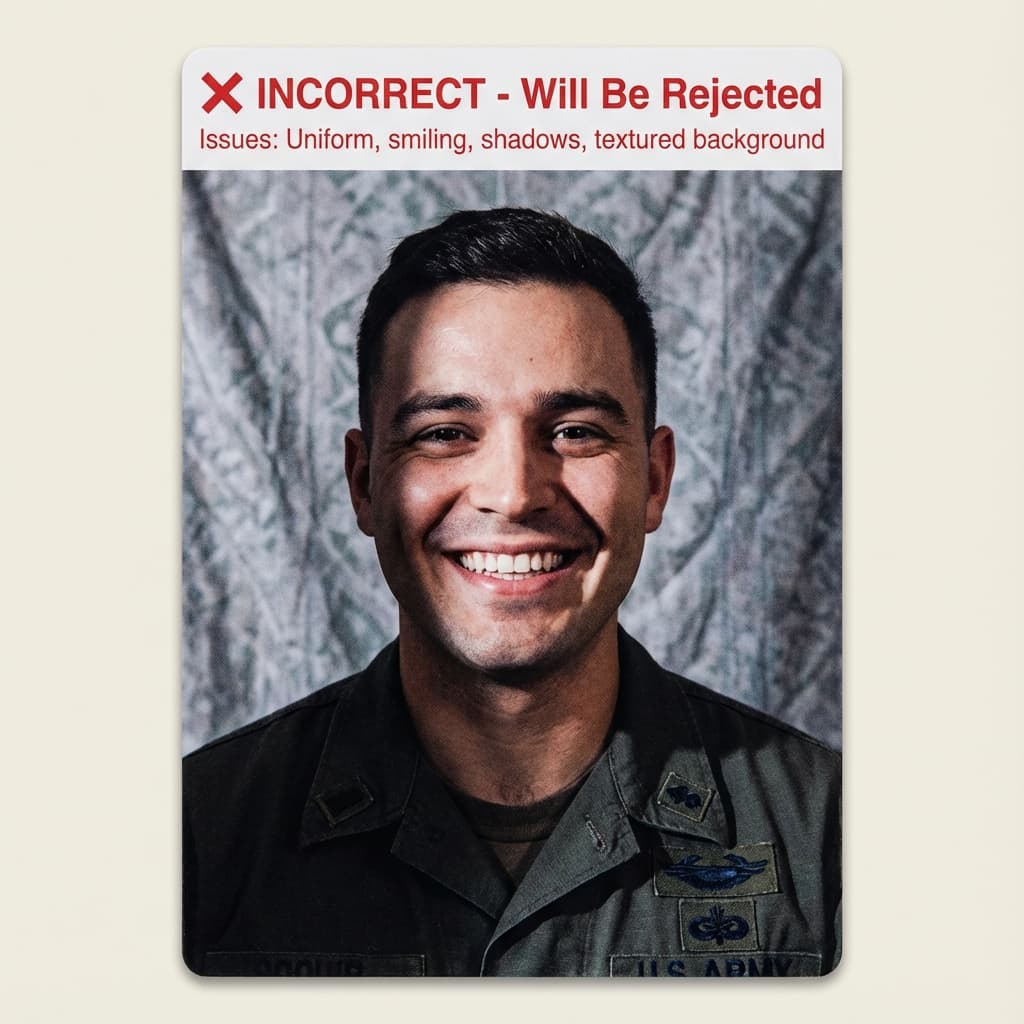
Common rejection risk
Incorrect photo
Real Fix Passport Background Rejection Data
36.2% of Fix Passport Background photos were rejected on first submission, based on 138 checks run through VisaPhotoCheck.
Most common reasons a rejected photo failed
- Expression30%
- Crop or framing26%
- Head pose or angle26%
- Accessories (glasses, hats, headphones)18%
- Lighting or shadows16%
- Resolution12%
- File size or format6%
- sharpness2%
Each figure is the share of rejected Fix Passport Background photos that failed that specific check. A single rejection often fails more than one check, so these do not add up to 100%.
Based on VisaPhotoCheck's own Fix Passport Background submissions — this reflects our users, not an official or industry-wide rejection rate.
Frequently Asked Questions
Related Document Requirements
US Passport
Check and fix your US passport photo online. Create a 2x2 inch passport photo with white background, correct head size, ...
2x2 Photo Size Guide
Learn which documents use 2x2-inch photos, how 2x2 relates to 51x51mm and square digital uploads, and when a US passport...
Passport Photo Too Dark
Learn why dark passport photos fail quality checks and use the online checker to preview lighting, crop, and background ...
2x2 Photo Maker
Make a 2x2 inch U.S. passport or visa photo online with square crop, white background, and document-specific head sizing...
US Visa (DS-160)
Fix and check your US visa photo for DS-160 upload. Create a 600x600px JPEG at 240KB or less with a plain background, co...
US Green Card Lottery (DV)
Free AI-powered DV-2027 Lottery photo checker. Instant validation of your 600x600px photo against official State Departm...
Global Entry Photo
Prepare a 2×2 inch Global Entry or TSA PreCheck photo for CBP enrollment. 600×600px JPEG, plain white background, neutra...
USCIS Photo
Check your 2×2 inch USCIS photo online, free — Green Card (I-485), EAD (I-765), Naturalization (N-400), and I-130. Auto-...