Schengen Generic
Passport Photo 4x6 Print Template With Cut Guides
Create a 4x6 passport photo print sheet with multiple copies and cut guides after previewing your corrected digital photo.
Last updated Oct 9, 2026
Verified against the official source · Oct 7, 2026How to Print Passport Photos on a 4x6 Sheet
A 4x6 print sheet lets you print multiple document photos at a pharmacy or home printer. The important part is printing at actual size, not fit-to-page.
- Download the corrected digital JPG after checkout.
- Use the included 4x6 sheet where supported.
- Print at actual size with no automatic scaling.
- Use cut guides to trim each photo cleanly.
- Some authorities, including the United States, the United Kingdom, Canada and Australia, do not accept a passport photo with an edited background. Check your document's page first.
Photo Examples

Pass example
Correct photo
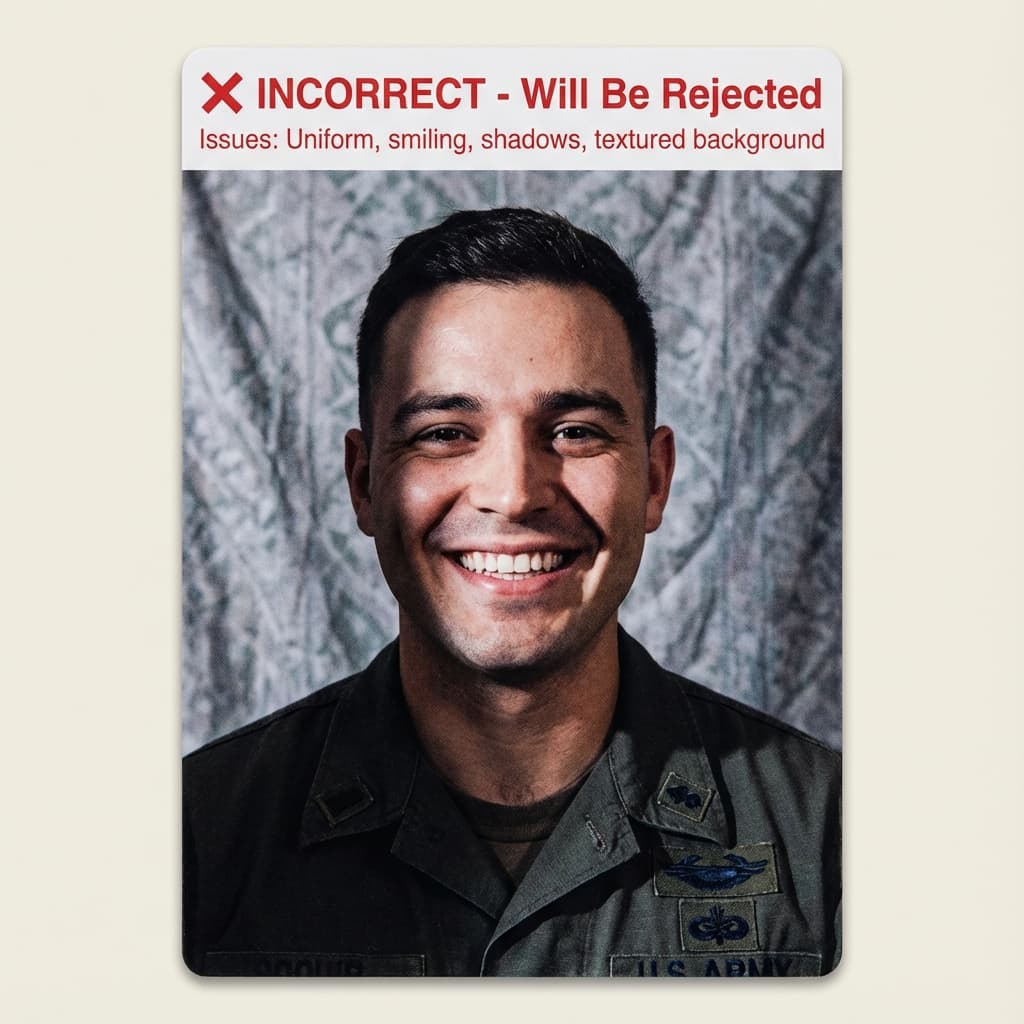
Common rejection risk
Incorrect photo
Real 4x6 Print Template Rejection Data
38.0% of 4x6 Print Template photos were rejected on first submission, based on 234 checks run through VisaPhotoCheck.
Most common reasons a rejected photo failed
- Crop or framing39%
- Accessories (glasses, hats, headphones)28%
- Expression13%
- Head pose or angle13%
- Photo authenticity11%
- Lighting or shadows10%
- Resolution3%
- sharpness2%
- Background1%
Each figure is the share of rejected 4x6 Print Template photos that failed that specific check. A single rejection often fails more than one check, so these do not add up to 100%.
Based on VisaPhotoCheck's own 4x6 Print Template submissions — this reflects our users, not an official or industry-wide rejection rate.
Frequently Asked Questions
Related Document Requirements
35x45mm Photo
Check a 35x45mm (3.5x4.5 cm) passport or visa photo online, free. Exact size in mm and pixels, head height and backgroun...
Germany Passport Photo
German passport photo rules: 35x45mm, head 70-80% of the frame, plain light background. Since 1 May 2025 offices in Germ...
France Passport Photo
French passport photo rules from service-public.fr: 35x45mm, face 32-36mm, plain light background - white is not allowed...
Spain Passport Photo
Free Spain passport photo checker. Validate your 35x45mm biometric passport photo for Spanish applications before upload...
Schengen Visa
Check and fix your Schengen visa photo online. Create a 35x45mm biometric photo for France, Germany, Italy, Spain, and o...
Germany Visa
Free online Germany visa photo checker. AI produces a 35x45mm biometric photo matching ICAO and Bundesdruckerei standard...
France Visa
Free online France visa photo checker for long-stay, short-stay, and Schengen applications. AI produces a 35x45mm photo ...
Japan Visa
Check and fix your Japan visa photo online. Create a 45x35mm portrait JPEG with the correct head size, plain background,...